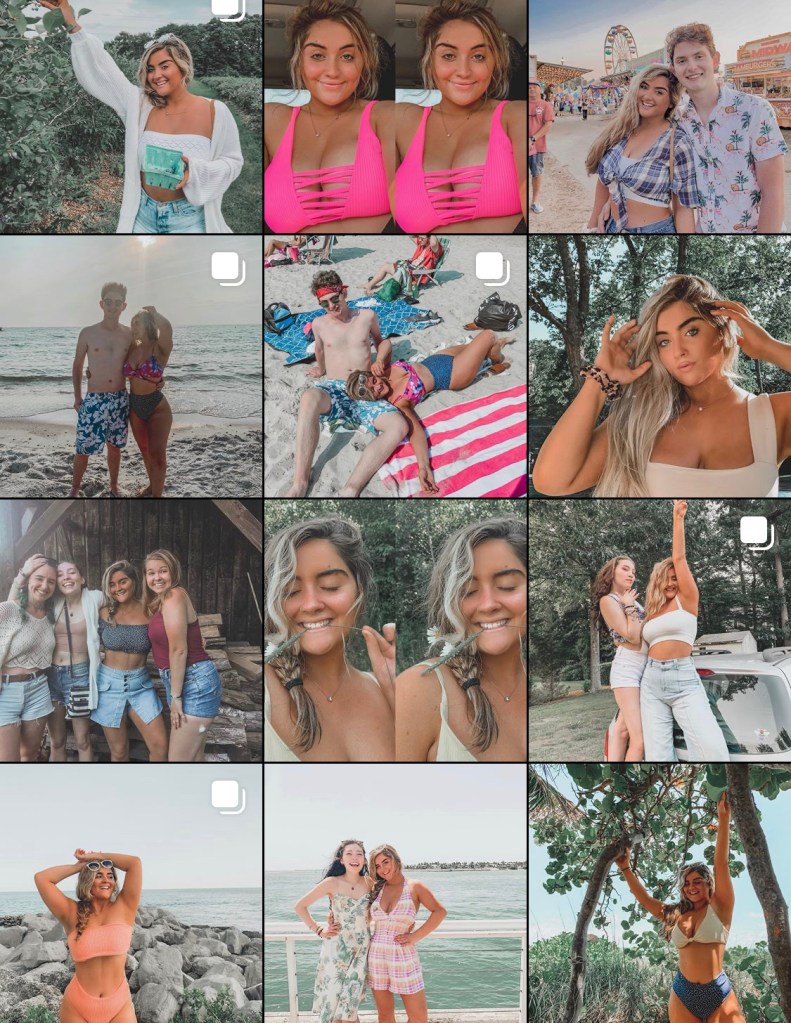
I’ve always loved taking and editing photos and in recent years I’ve learned some new tricks to creating an aesthetically pleasing Instagram feed. In this post, I will show you step by step how I edit my photos in order to achieve a perfect Instagram!
Step by Step Guide:
- Purchase a Lightroom preset that fits your aesthetic. Although it isn’t necessary to purchase a set, I find that this is the easiest and quickest way to edit your photos. I purchase my sets on Etsy and they typically range from $5-10 and often include more than one preset. Click here to access the presets used in the video.
- Download Lightroom on your phone from the app store.
- After purchasing a preset you will have to download the presets into Lightroom (this is not shown in the video). Most preset purchases will send you a guide on how to do this right after you purchase them.
- Once you have your presets in Lightroom, select the preset you would like to use and copy the settings.
- Then click the photo you wish to edit and paste the settings.
- At first, the filter may look strange so you will have to adjust the settings slightly until you get the desired look that you are going for.
- Voilà! You are ready to take on Instagram!
 Cait's Closet